


metadata
base_model:
  - black-forest-labs/FLUX.1-dev
library_name: diffusers
license: other
license_name: flux-1-dev-non-commercial-license
license_link: https://huggingface.co/black-forest-labs/FLUX.1-dev/blob/main/LICENSE.md
pipeline_tag: image-to-image
inference: false
tags:
  - ControlNet
⚡ Flux.1-dev: Depth ControlNet ⚡
This is Flux.1-dev ControlNet for Depth map developed by Jasper research team.
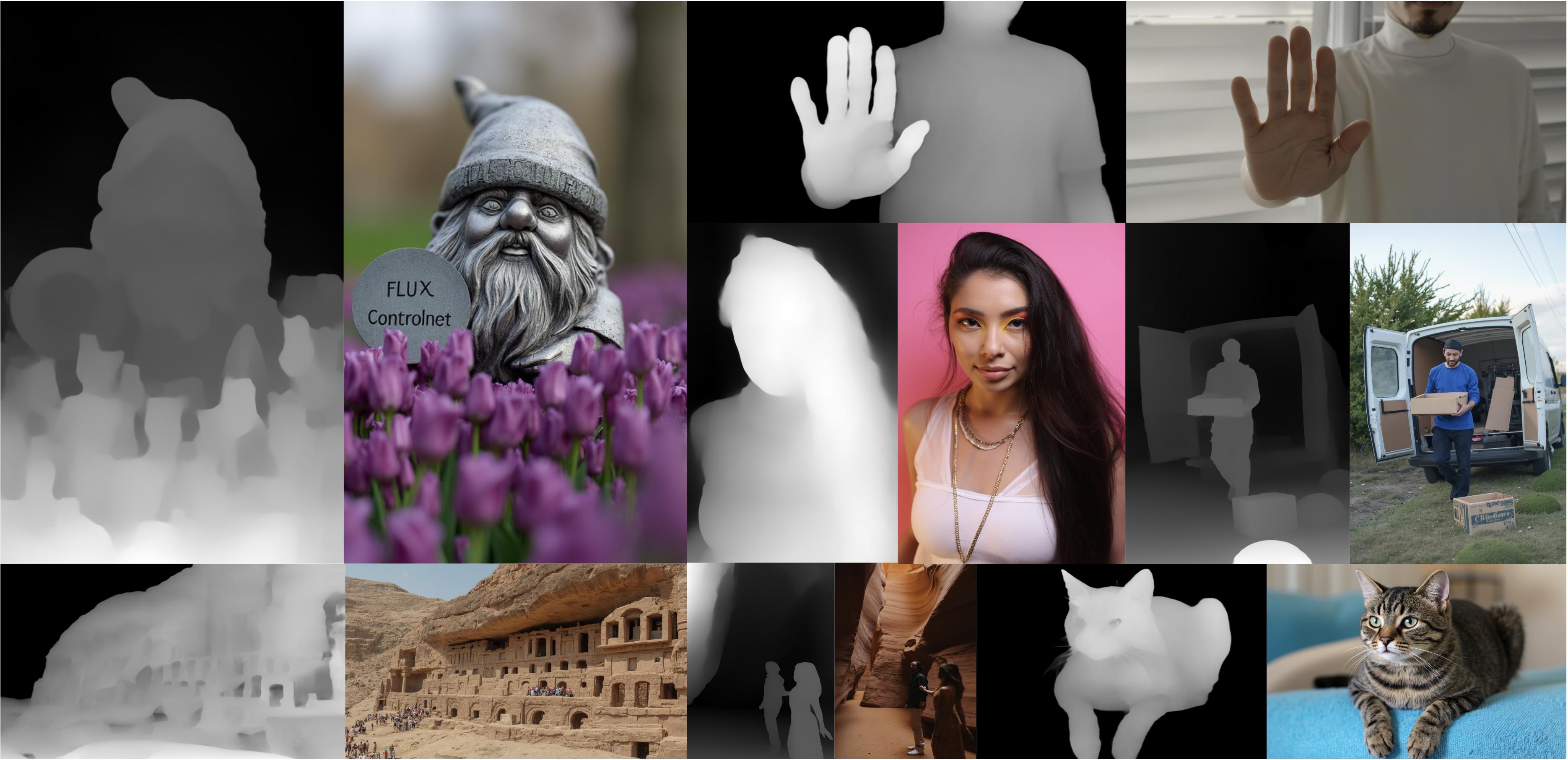
How to use
This model can be used directly with the diffusers library
import torch
from diffusers.utils import load_image
from diffusers import FluxControlNetModel
from diffusers.pipelines import FluxControlNetPipeline

# Load pipeline
controlnet = FluxControlNetModel.from_pretrained(
  "jasperai/Flux.1-dev-Controlnet-Depth",
  torch_dtype=torch.bfloat16
)
pipe = FluxControlNetPipeline.from_pretrained(
  "black-forest-labs/FLUX.1-dev",
  controlnet=controlnet,
  torch_dtype=torch.bfloat16
)
pipe.to("cuda")

# Load a control image
control_image = load_image(
  "https://huggingface.co/jasperai/Flux.1-dev-Controlnet-Depth/resolve/main/examples/depth.jpg"
)

prompt = "a statue of a gnome in a field of purple tulips"

image = pipe(
    prompt,
    control_image=control_image,
    controlnet_conditioning_scale=0.6,
    num_inference_steps=28,
    guidance_scale=3.5,
    height=control_image.size[1],
    width=control_image.size[0]
).images[0]
image
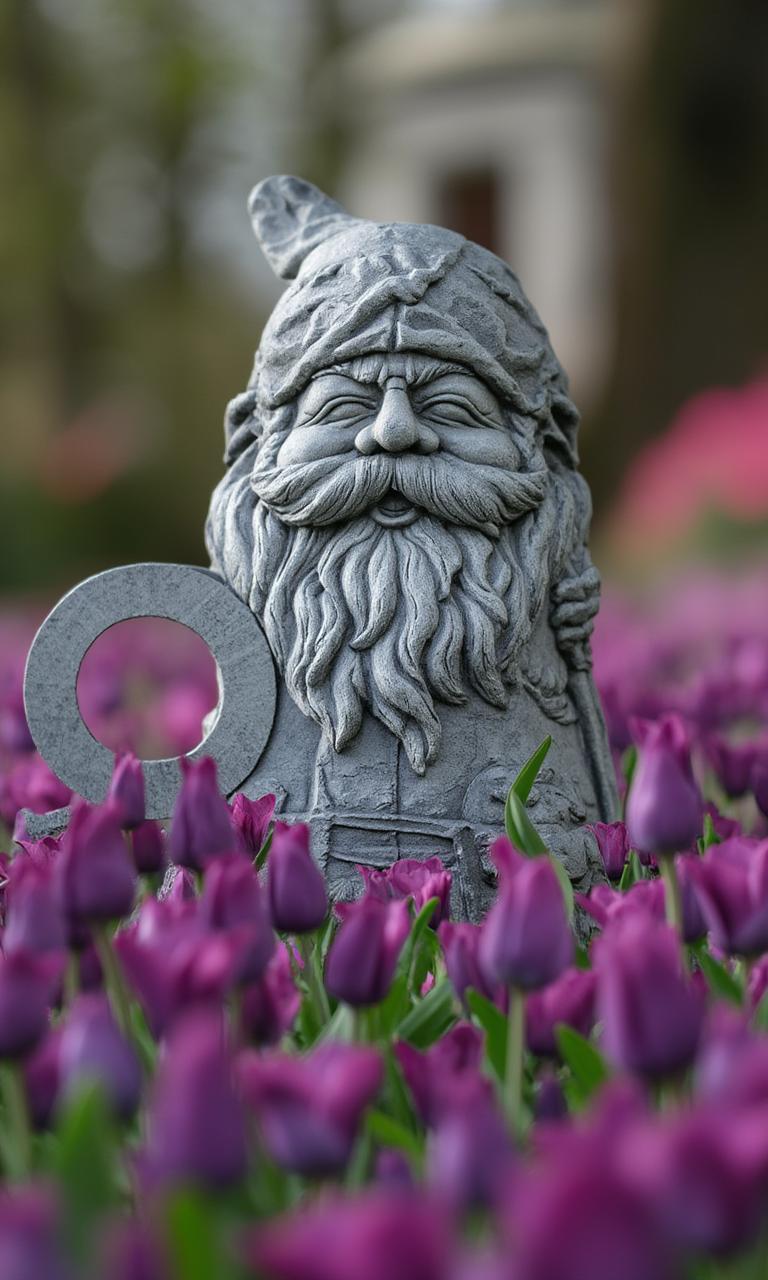
💡 Note: You can compute the conditioning map using for instance the MidasDetector from the controlnet_aux library
from controlnet_aux import MidasDetector
from diffusers.utils import load_image

midas = MidasDetector.from_pretrained("lllyasviel/Annotators")

midas.to("cuda")

# Load an image
im = load_image(
  "https://huggingface.co/jasperai/Flux.1-dev-Controlnet-Depth/resolve/main/examples/output.jpg"
)

depth = midas(im)
Training
This model was trained with depth maps computed with Clipdrop's depth estimator model as well as open-souce depth estimation models such as Midas or Leres.
Licence
This model falls under the Flux.1-dev licence.